
We asked our VR specialist, Paul, what he thinks about ClassVR vs RobotLAB VR Expeditions 2.0. See the comparison chart below and ask for a Price Quote for your best fit!
|
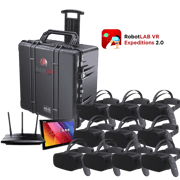
RobotLAB VR Standard Pack
|
RobotLAB VR Advanced Pack
|
ClassVR
|
|
| Classroom Management |
Yes. The class is managed by the teacher through an Android tablet. (Included in our kits) The teacher can guide the experience, flip between scenes in the lessons, and focus the students’ attention on artifacts using highlights to spark discussions. Teachers can also observe class connectivity. |
Yes. This setup is very similar to our standard VR pack offerings. The teacher still manages the class through the Android tablet. |
Yes. Lessons are assigned by an online portal. Students can self-explore or participate in teacher-led experiences (AR/VR) Teachers can track headset movement and orientation from the students. |
| Network requirement |
Not required during the class sessions. Internet is only needed during lesson prep to download expeditions. RobotLAB VR expeditions kits include a wireless router that creates a secure, offline network within the classroom that allows teachers to transfer data from the teacher's tablet to the student's devices without the internet. This eliminates student distractions. |
Not required during the class sessions. Internet is only needed during lesson prep to download expeditions. RobotLAB VR expeditions kits include a wireless router that creates a secure, offline network within the classroom that allows teachers to transfer data from the teacher tablet to the student devices without the internet. This eliminates student distractions. |
Internet is required on each device at all times. Teacher device and student devices need to be in the same network in order to receive information. IT department will need to provide network, firewall, and port configuration. |
| Content and lesson plans |
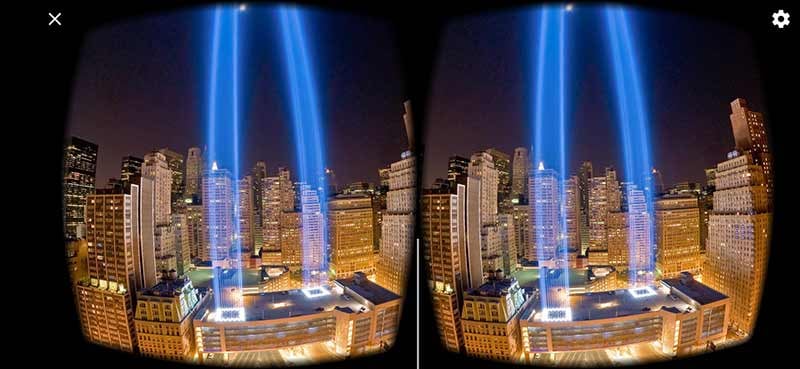
Content is custom curated from a unique partnership with Encyclopædia Britannica®, paired with teacher feedback to bring high-quality and tailored content. In Expeditions 2.0™, all the 360-degrees photos are high definition, 4k resolution, and designed to bring the best of the world to your classroom, in HD quality. RobotLAB does not block you to use 3rd party applications through the Google Play Store |
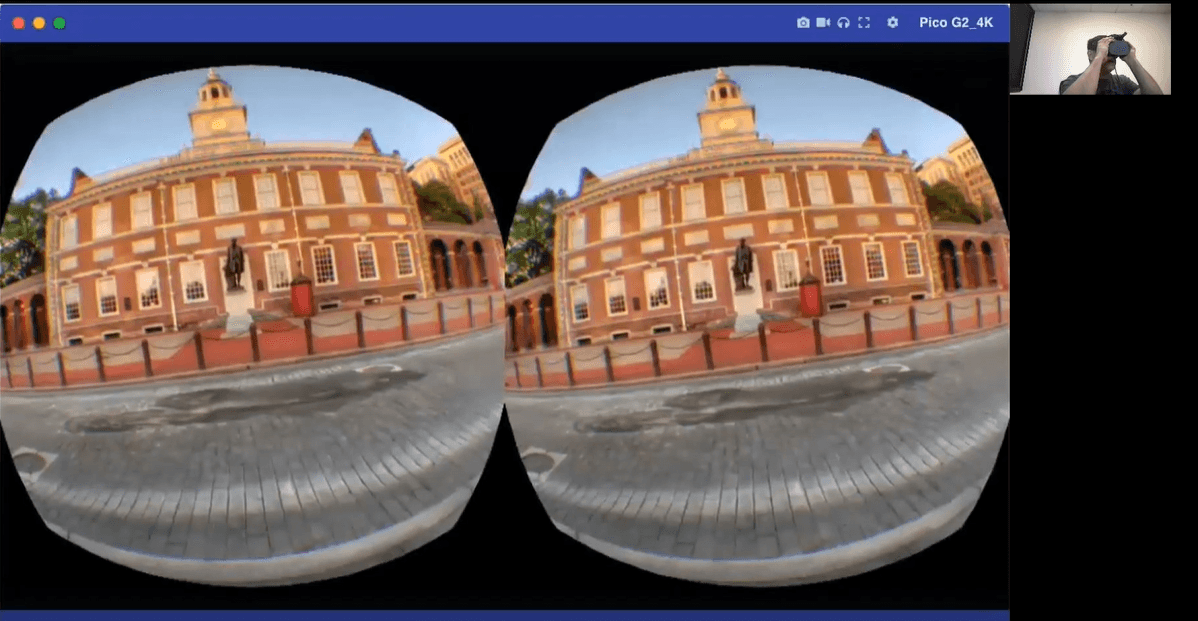
Content is custom curated from a unique partnership with Encyclopædia Britannica®, paired with teacher feedback to bring high-quality and tailored content. In Expeditions 2.0™, all the 360-degrees photos are high definition, 4k resolution, and designed to bring the best of the world to your classroom, in HD quality. RobotLAB does not block you to use 3rd party applications through the Pico Interactive Store. |
General worksheets and lessons are available for some of the subjects within the portal. There is a variety of content including AR and 360 images, access to a community platform to share, and access to content from other users. In addition, you can purchase access to Avantis world through a yearly subscription. |
| Subscription | Access to VR Expeditions 2.0 is a perpetual license with no yearly subscription. | Access to VR Expeditions 2.0 is a perpetual license with no yearly subscription. | Content is accessible through a yearly subscription. |
| Devices |
RobotLAB offers: Standard and AR/VR: Android devices that fit into plastic goggles for viewing. |
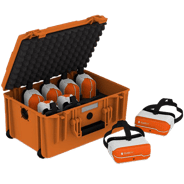
RobotLAB offers: Advanced: All-in-one device with head straps. |
ClassVR Starter pack and Premium pack include All-in-one devices with a head strap. |
| Quantities |
RobotLAB offers quantities of up to 30 student devices. Customization is available for the kits. |
RobotLAB offers quantities of up to 30 student devices. Customization is available for the kits. |
ClassVR offers quantities of 8 and 30 student devices. |
| Storage options | Transport case or mobile charging cart. | Transport case or mobile charging cart | Transport case or mobile charging cart. |
| Training and support |
Every order comes with a one-hour training session by one of our STEM Specialists. Support is available with RobotLAB. |
Every order comes with a one-hour training session by one of our STEM Specialists. Support is available with RobotLAB |
Online training and tutorials are available online at an additional cost but it is a one-time purchase. Support is available with RobotLAB or ClassVR. |
| Content Creation |
Yes. Students and teachers can create their own content using 360 images. Content can be edited and published on RobotLAB's version of Tour Creator. |
Yes. Students and teachers can create their own content using 360 images. Content can be edited and published on RobotLAB's version of Tour Creator. |
Yes. Teachers can upload 360 degrees pictures and videos. Content can be viewed on ClassVR portal and shared within the community. |
|
Learn more about Expeditions 2.0 Standard Pack by clicking the button below!
|
Learn more about Expeditions 2.0 Standard Pack by clicking the button below!
|
Learn more about ClassVR by clicking the button below!
|






© 2022 ROBOTLAB Inc. ALL RIGHTS RESERVED